


How to Sign a Tax Return for a Deceased Spouse
Losing a spouse brings enough to handle without wondering whether the IRS will reject your tax return over a signature. If you're filing taxes after your spouse's death, you need to know exactly how to sign a tax return for a deceased spouse so the return processes without delays or notices asking you to fix it. That confusion is common, and it's the wrong time to guess.
The short answer: you sign your own name as usual, then write "filing as surviving spouse" in the space where your spouse would have signed, along with a note about the date of death at the top of the return. The exact wording and required attachments depend on whether you're filing jointly, whether an executor is involved, and which tax year you're handling. Getting signing a tax return for a deceased spouse right the first time avoids processing delays and IRS letters you don't need.
This guide walks through each step: what to write, which filing status applies, when you need Form 1310, and what changes if an executor has been appointed. If your situation feels more complicated than a standard return, our licensed preparers at TaxesToday handle these filings every tax season and can take the guesswork off your plate.
Before you sign: what to know about filing status and roles
Timing matters more than most people expect. The IRS treats the tax return for the year your spouse died differently than every return that follows, and knowing which year you're in changes both your filing status and how you sign. If your spouse passed away during the tax year you're now filing for, you can generally still file a joint return for that year, listing your spouse's income and deductions up through the date of death. If your spouse died in a prior year and you're filing a subsequent return, your status shifts, often to Qualifying Surviving Spouse (if you have a dependent child) or Single/Head of Household.
Roles matter just as much as timing, and they come up often among the common income tax filing questions we answer. The IRS wants to know whether you're the surviving spouse filing without an executor, a surviving spouse with a court-appointed executor, or a personal representative filing on behalf of an estate with no surviving spouse involved. Each role uses different wording in the signature area and may require different attachments.
Your filing status and your role as signer are decided by two things: which tax year you're filing for, and whether an executor has legal authority over the estate.
Before you move to the mechanics of signing a tax return for a deceased spouse, confirm these two facts:
- The exact date of death, since it determines which tax year's rules apply.
- Whether a court has appointed an executor or personal representative, since that person, not you, may hold signing authority if one exists.
Get these two answers first. Everything else in this guide builds on them.
Step 1. Determine who is responsible for signing the return
Before you write anything in the signature box, figure out who actually has the legal right to sign. The IRS recognizes three possible signers on a deceased person's final return, and picking the wrong one can get your return bounced back or flagged for review.
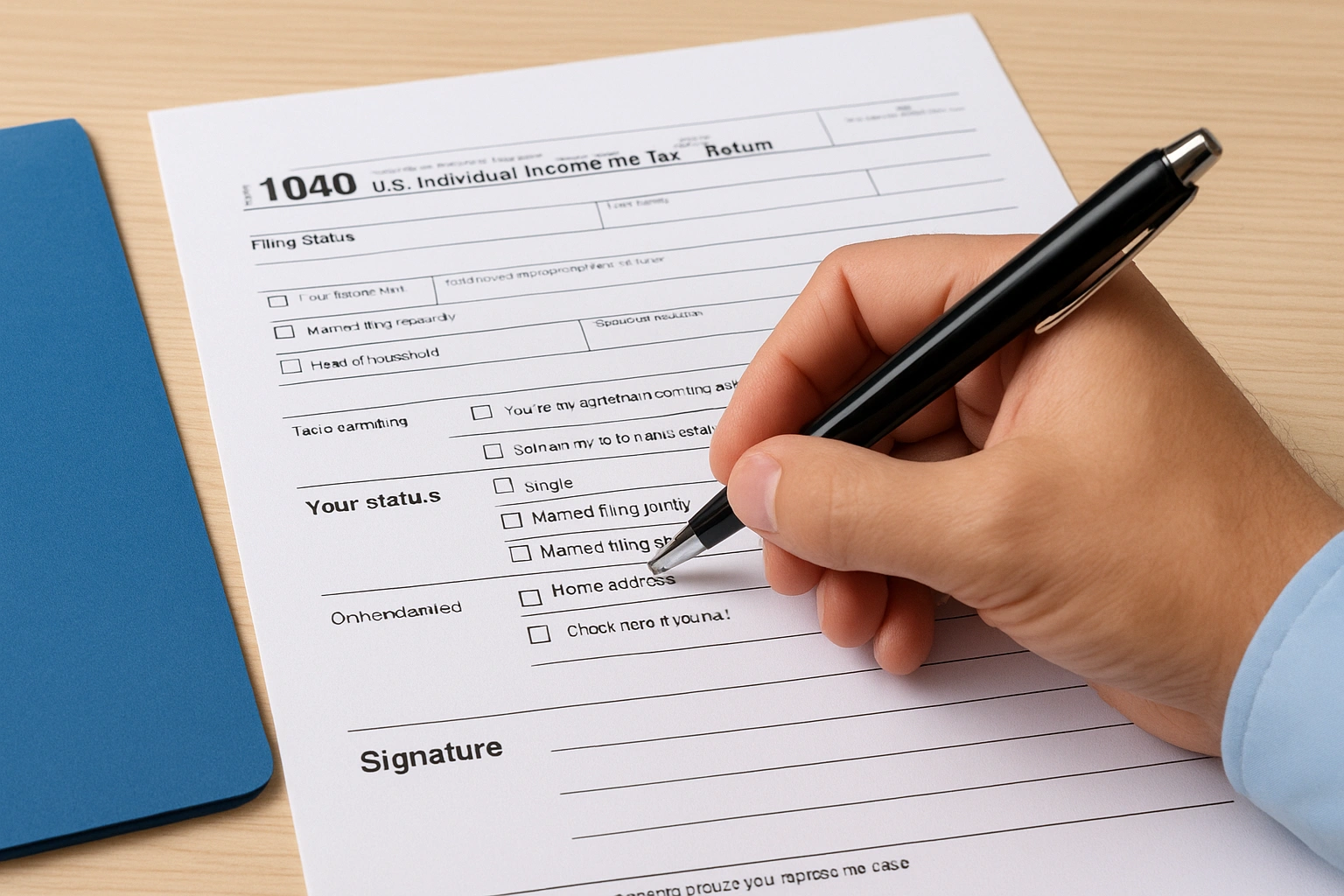
Who qualifies to sign
Check your situation against this list before moving forward:
- Surviving spouse with no executor appointed: you sign for yourself and note your spouse's status.
- Surviving spouse with a court-appointed executor: the executor signs, not you, unless the court has named you as executor too.
- Personal representative or executor (no surviving spouse, or spouse unable to sign): this person signs on behalf of the estate.
Whoever holds legal authority over the estate is the one who signs, even if that person isn't the surviving spouse.
Gathering proof of your role matters here. If a court appointed you or someone else as executor, keep the appointment letter or court order handy, since you may need to reference it later. If no executor exists, the surviving spouse typically has automatic signing authority for a jointly filed return.
Step 2. Choose the right filing status and mark the return as deceased
Selecting the correct filing status comes before you touch the signature line, because the software or paper form changes its layout based on this choice, and fixing it later means changing your filing status with Form 1040-X. For the year of death, most surviving spouses still qualify for Married Filing Jointly, which usually produces the lowest tax bill. Write "Deceased" along with your spouse's name and the date of death across the top of the return, right below the entry for name and address. Tax software typically prompts for this automatically once you enter a date of death, but paper filers need to add it by hand.
Marking the return as deceased and choosing the correct filing status happens before you sign, not after.
Double-check these details before submitting:
- The word "Deceased," your spouse's full name, and the exact date of death appear at the top of the form.
- Your filing status matches the tax year (joint for the year of death, potentially Qualifying Surviving Spouse or Single afterward).
- Any dependent information stays accurate if you're claiming Qualifying Surviving Spouse status in later years.
Getting this step right keeps the IRS from questioning why a jointly filed return lists someone who's no longer alive.
Step 3. Sign the return as surviving spouse or representative
Once you know your role, the actual signing is simple. Sign your own name in the signature block exactly as you always have, then write "filing as surviving spouse" directly beneath or beside it, in the space reserved for your spouse's signature. Most tax software fills this language in automatically once you've entered the date of death, but paper filers must write it by hand in ink.
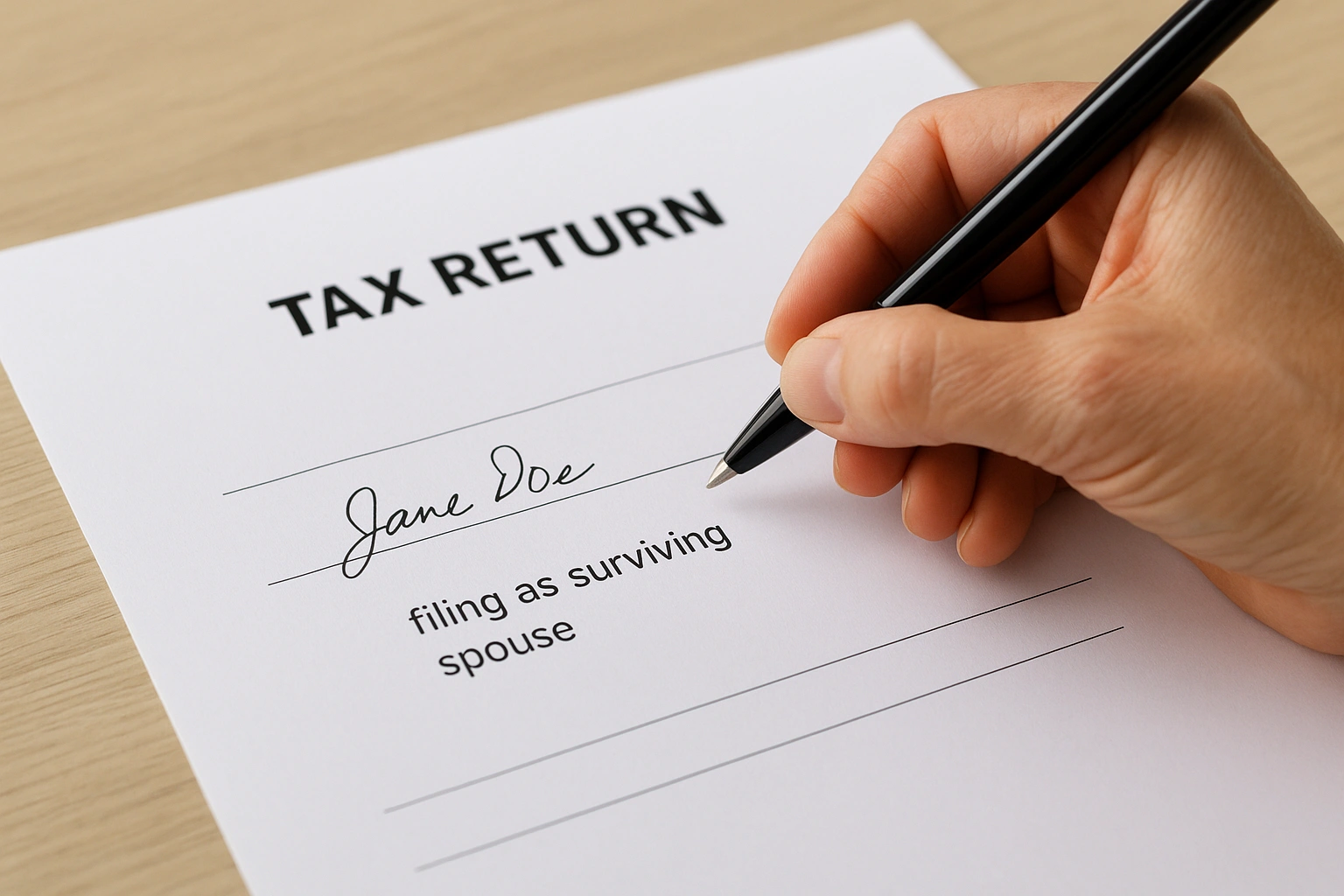
A single phrase, "filing as surviving spouse," is what tells the IRS you have the legal right to sign for both parties.
If an executor is signing instead
When a court-appointed executor holds signing authority, that person signs their own name and adds their title, such as "executor" or "personal representative," next to the signature. They should keep a copy of the appointment letter in case the IRS requests proof later.
E-filing versus paper filing
When you submit a return electronically, the system typically prompts for a five-digit self-select PIN in place of a wet signature. Paper returns still require an actual signature in ink. Either way, the wording you choose in the signature area matters more than the method you use to submit it.
Step 4. Attach Form 1310 and other required documents
Form 1310, Statement of Person Claiming Refund Due a Deceased Taxpayer, tells the IRS who should receive any refund owed on the final return. Surviving spouses filing a joint return usually skip this form, since the refund goes directly to the joint account or address already on file. Executors, personal representatives, or anyone filing separately for the deceased typically must attach Form 1310 before the IRS releases a refund.
Skipping Form 1310 when it's required is the single most common reason a deceased taxpayer's refund gets held up, so check where your refund stands after you file.
Gathering the right paperwork now saves you a second trip through the filing process later, and a full list of documents and info you need to file helps you see what's missing. Check your file against this list:
- A copy of the death certificate, if requested by the IRS or required by your state.
- Court appointment papers, if you're signing as executor or personal representative.
- Form 1310, unless you're a surviving spouse filing jointly and requesting the refund be issued to you directly.
Missing documents rank among the top reasons the IRS delays processing or sends a follow-up notice, so confirm everything is attached before you submit.
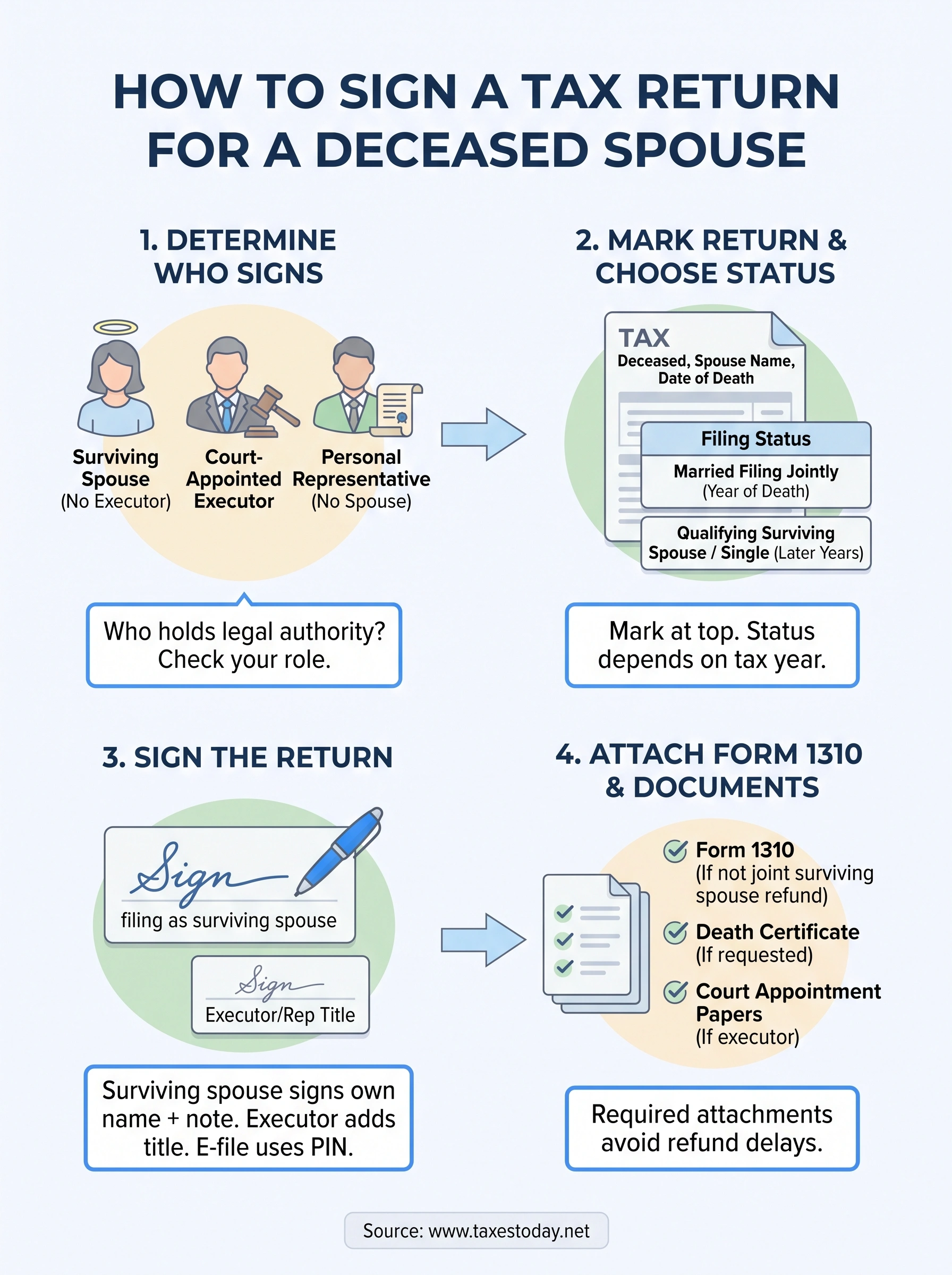
Wrapping up your spouse's final tax return
Signing a tax return for a deceased spouse comes down to four things: knowing who has legal authority, choosing the right filing status, writing "filing as surviving spouse" in the signature block, and attaching Form 1310 when it's required. Skip any one of these steps and you risk a rejected return or a refund that sits in limbo for months while the IRS sorts out paperwork.
You don't have to handle this alone, especially while you're grieving. Estate rules, filing status changes, and IRS documentation requirements shift depending on your exact situation, and a missed detail can cost you time you don't have to spare right now. Working through this final return with a professional means one less thing to second-guess during an already hard year. If you'd rather have a licensed preparer confirm every signature line and attachment before you file, work with a CTEC-certified, IRS-registered preparer starting at $99 from our team at TaxesToday.