


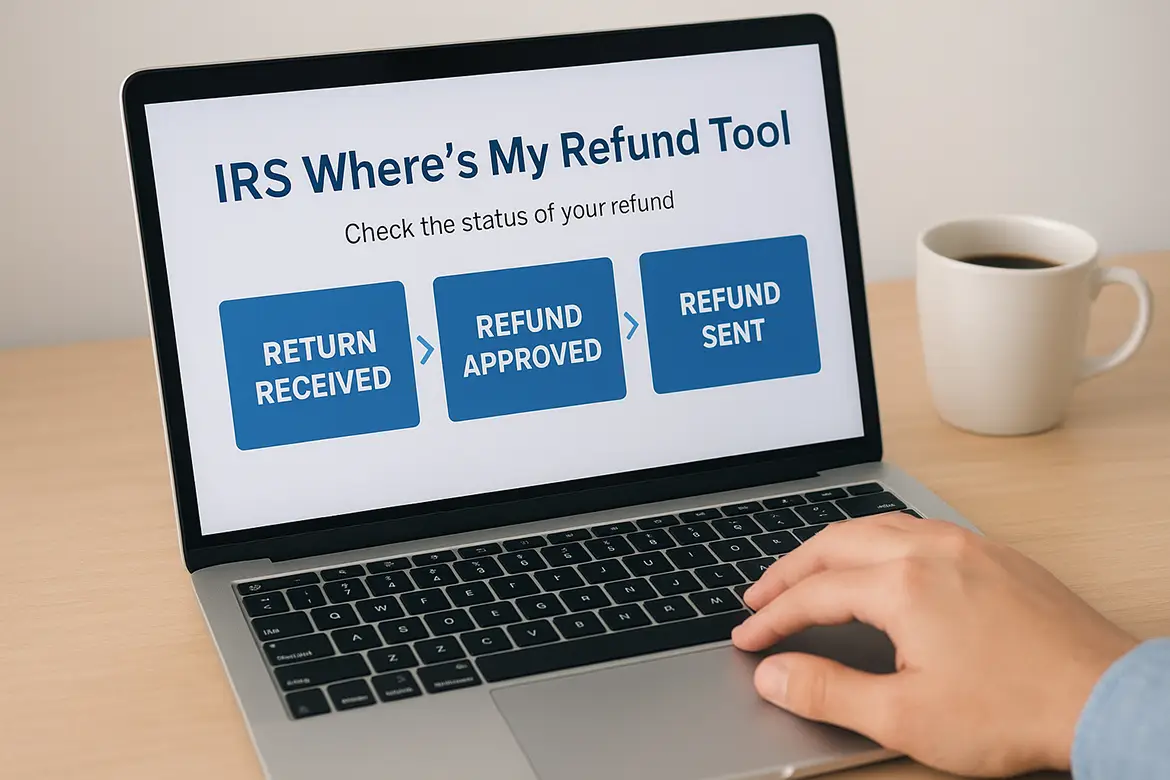
IRS Where's My Refund Tool: How to Check Your Refund Status
You filed your tax return and now you're waiting for your refund. The days drag on. You check your bank account every morning, hoping to see that deposit. You wonder if the IRS got your return, if they're processing it, if something went wrong. You want real answers, not more questions.
The IRS Where's My Refund tool gives you real time updates on your refund status. This free online service tracks your money from the moment the IRS receives your return until they send your payment. No phone calls, no waiting on hold, no guessing. It's the only official source for your refund information, pulling data straight from IRS systems.
This guide shows you exactly how to use the tool. You'll learn when your refund first appears in the system, what information you need to log in and check your status, and how to fix common problems that delay payments. By the end, you'll know where your money is and when to expect it in your account.
What the IRS Where's My Refund tool does
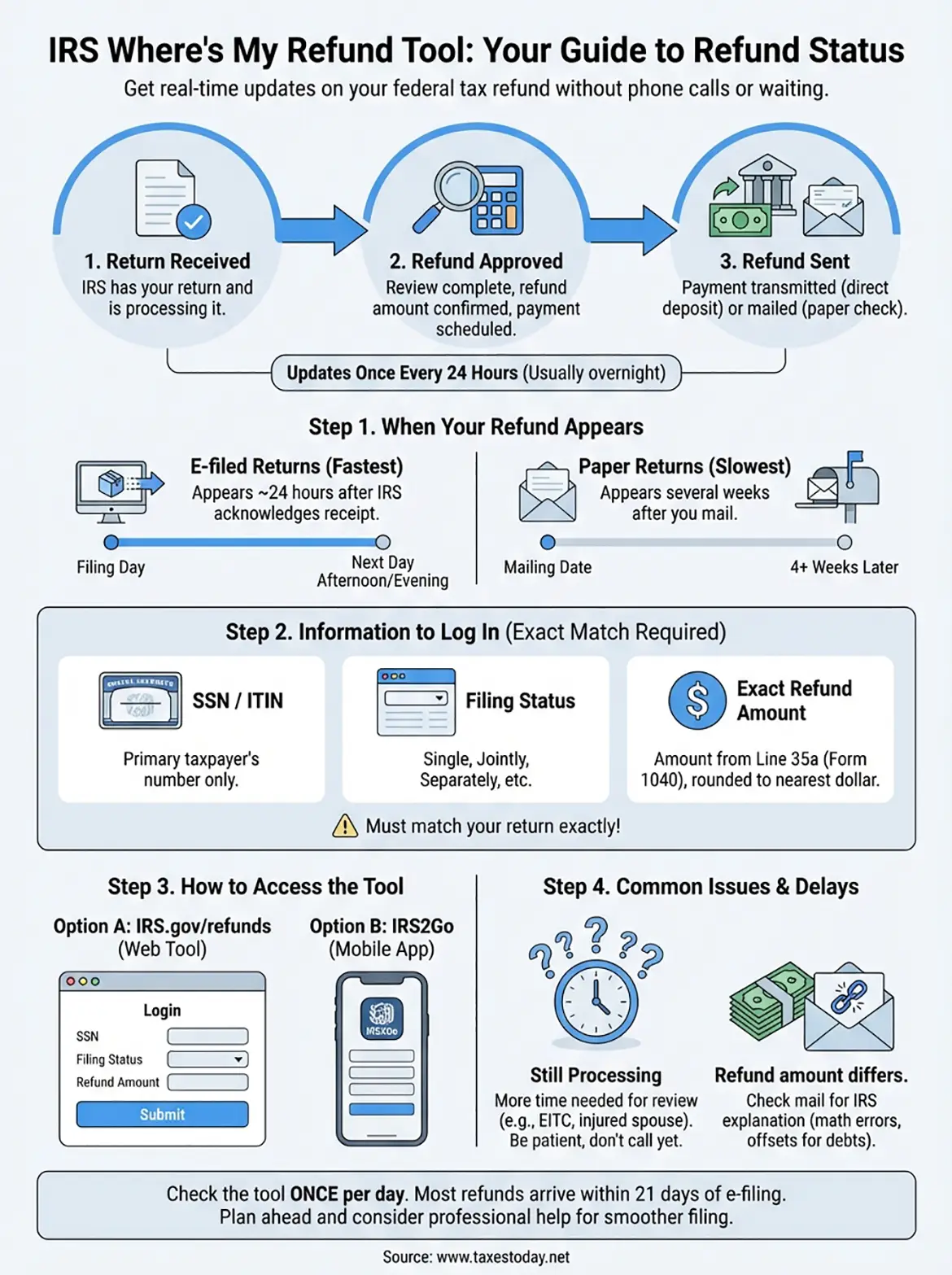
The IRS Where's My Refund tool tracks your federal tax refund through three distinct phases: Return Received, Refund Approved, and Refund Sent. You see exactly where your money stands in the processing pipeline. The tool updates once every 24 hours, usually overnight, so you don't need to refresh it constantly throughout the day.
The three status phases
Your refund moves through a clear progression. Return Received means the IRS has your tax return in their system and started processing it. Refund Approved tells you they finished reviewing your return, confirmed your refund amount, and scheduled your payment. Refund Sent confirms the IRS transmitted your money either as a direct deposit to your bank or mailed a paper check to your address.
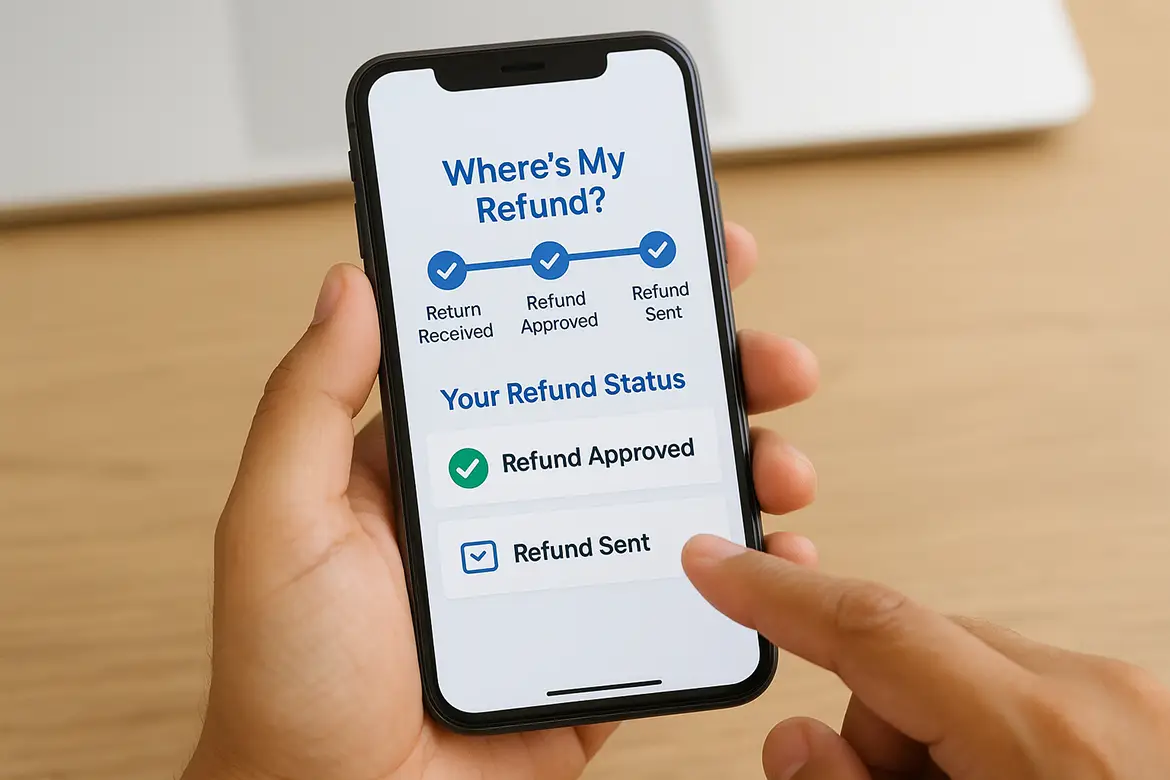
The tool shows the same information IRS phone representatives see, so calling won't give you additional details or speed up your payment.
The irs where's my refund tool also displays your personalized refund date once the IRS approves your payment. This date tells you when to expect money in your account or when your check enters the mail system.
Step 1. Know when your refund will appear
Your refund status appears in the system 24 hours after the IRS confirms receipt of your electronically filed return. You can't check immediately after hitting submit. The IRS needs time to process the incoming data, verify your Social Security number, and load your return into their tracking database. Once those 24 hours pass, the irs where's my refund tool displays your first status update.
E-filed returns show up fastest
Electronic filing gets you the quickest visibility. The IRS typically acknowledges your e-filed return within minutes to a few hours after your tax software or preparer transmits it. Add 24 hours to that acknowledgment time, and you can start checking your status. For example, if you e-file on Monday morning and receive acknowledgment by Monday afternoon, your refund status appears Tuesday afternoon or evening.

Most e-filed returns appear in the Where's My Refund tool within 24 to 48 hours of filing.
Paper returns take significantly longer
Paper returns follow a different timeline. The IRS must physically receive your envelope, sort it, scan the documents, and manually enter your data into their system. Your refund status won't appear until several weeks after you mail your return. Expect at least 4 weeks before checking the tool, though complex returns may take longer to enter the system. This delay applies even if you use certified mail or tracking.
Step 2. Gather your information to log in
You need three specific pieces of information to access the irs where's my refund tool. The system requires this data to match your identity with your tax return and protect your financial information. You can't check your status without all three items, so gather them before you start.
The three pieces of data required
The tool asks for these exact details from your current year tax return:
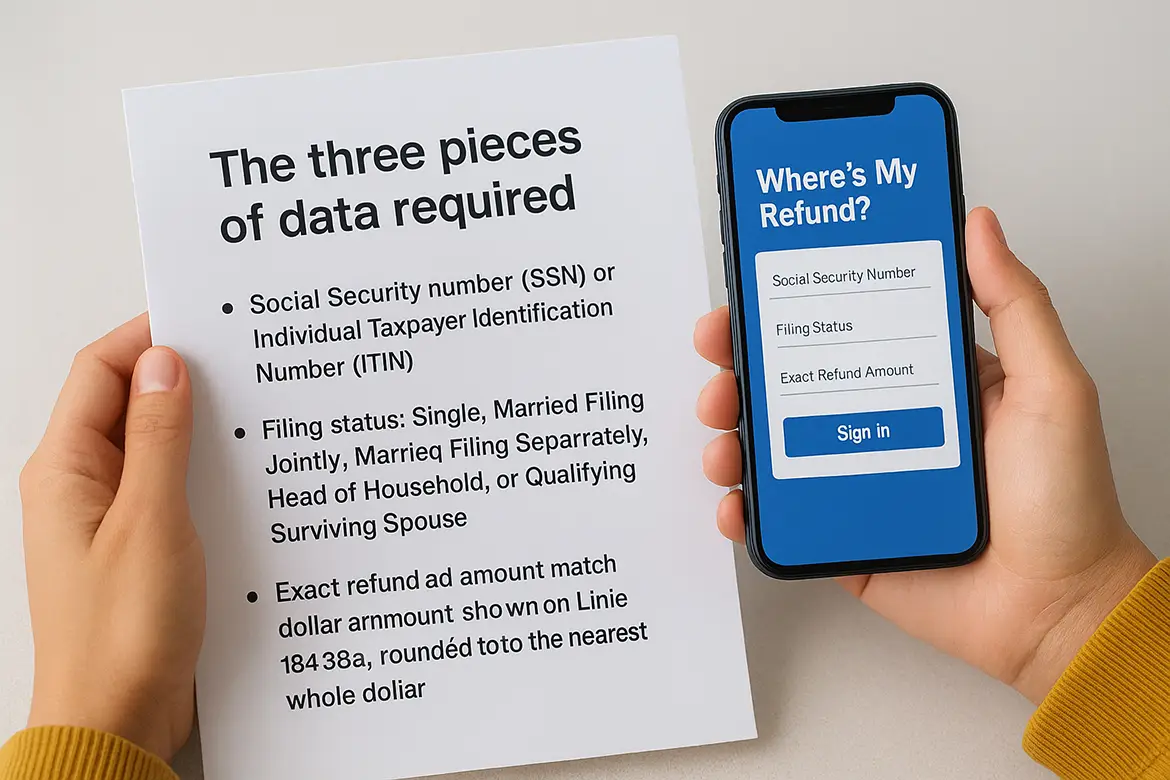
- Social Security number (SSN) or Individual Taxpayer Identification Number (ITIN): The primary taxpayer's number, not your spouse's if filing jointly
- Filing status: Single, Married Filing Jointly, Married Filing Separately, Head of Household, or Qualifying Surviving Spouse
- Exact refund amount: The dollar amount shown on Line 35a of Form 1040, rounded to the nearest whole dollar
The refund amount must match your return exactly. If you claimed $1,842.67, enter 1843, not 1842 or an estimate.
Pull your tax return copy or your tax software summary to verify these numbers before logging in.
Step 3. Use the tool or IRS2Go app
You access the irs where's my refund tool through two official channels: the IRS website at IRS.gov or the IRS2Go mobile app. Both options pull from the same database and show identical information, so pick whichever fits your preference. The web tool works on any device with a browser, while the app gives you a dedicated interface on your smartphone.
Access the web-based tool
Navigate to IRS.gov/refunds in your web browser. The homepage displays a blue "Check My Refund Status" button that takes you directly to the login screen. Enter your Social Security number or ITIN in the first field, select your filing status from the dropdown menu, and type your exact refund amount in the final box. Click "Submit" to view your current status.
The tool displays one of three status messages: Return Received, Refund Approved, or Refund Sent. You see your personalized refund date once the IRS approves your payment. The screen also shows whether your money goes via direct deposit or paper check based on the payment method you selected on your return.
Check the tool once per day at most, as the IRS updates refund statuses overnight, not continuously throughout the day.
Use the IRS2Go mobile app
Download IRS2Go from the Apple App Store or Google Play Store. The app requires the same three pieces of information: your SSN or ITIN, filing status, and refund amount. Tap "Check My Refund Status" on the home screen, fill in your details, and submit. The app saves your preferences for faster access on future checks.
Step 4. Fix common issues and delays
The irs where's my refund tool sometimes displays messages that require action or simply more patience. Most delays stem from specific review processes the IRS conducts on certain returns, not from system errors or lost paperwork. You can identify the issue by carefully reading the status message and understanding what triggers each type of delay.
When the tool says "still processing"
This message means the IRS needs additional time to review your return beyond the standard 21-day processing window. Common triggers include claiming the Earned Income Tax Credit (EITC), Additional Child Tax Credit, or filing an injured spouse claim. Returns with these elements automatically enter a longer review cycle, often taking several weeks to several months to complete.
You should also see this status if you filed a paper return, attached an ITIN application to your return, or filed Form 1040-NR to request a refund of withheld taxes. Wait for the review to finish rather than calling the IRS, as phone representatives cannot speed up the process.
If your refund amount differs from expectations
The tool displays your actual approved refund, which may differ from what you claimed. The IRS adjusts refunds for math errors, missing documentation, or offsets against existing debts like unpaid child support, federal student loans, or state tax obligations. You receive a written explanation by mail within 2-3 weeks of the adjustment.
The Bureau of the Fiscal Service, not the IRS, handles refund offsets for non-tax debts, so their letter arrives separately.
Check your mail before calling about discrepancies. The letter provides specific reasons and contact information for disputes.
Next steps
The irs where's my refund tool gives you direct access to your refund status without calling the IRS or waiting for mail updates. Check it once per day after the initial 24-hour waiting period, and you'll know exactly where your money stands. Most refunds arrive within 21 days of e-filing, though some returns require additional review time based on the credits you claim or the documentation you provide.
Planning ahead prevents next year's refund stress and confusion. If you want to avoid delays or maximize your tax return, work with experienced professionals who understand IRS processing timelines and current requirements. Professional tax preparation services help you file accurately the first time, claim all eligible deductions and credits, and reduce the risk of reviews that slow down your refund. Getting expert help now means faster refunds and fewer complications when next tax season arrives.