


IRS Get Transcript Online: How to Access Tax Transcripts
You need your tax transcript right now. Maybe you're filing your current return and need last year's adjusted gross income to sign electronically. Maybe a mortgage lender or student loan provider asked for income verification. Maybe you want to check your IRS records for errors or fraud. Whatever the reason, waiting 5 to 10 days for a mailed transcript isn't an option.
The IRS Get Transcript Online tool solves this problem. You can view, print, or download your tax records immediately. The service is free, secure, and available 24/7. No waiting on hold. No forms to mail. No fees.
This guide shows you exactly how to access your transcripts online. You'll learn how to create your IRS online account, pass the identity verification process, and download your transcript in minutes. We'll also explain alternative methods if the online tool doesn't work for your situation.
What IRS tax transcripts are and why you need them
A tax transcript is an official IRS document that summarizes your filed tax return information. It shows adjusted gross income, payment history, and filing status from any tax year you've filed. The IRS uses transcripts internally to verify your tax records, and many third parties accept transcripts instead of full tax returns because they contain all the essential financial data without showing your entire return.
Common situations when you need a transcript
You'll need a transcript for electronic signature verification when filing your current tax return with new software. The IRS requires your prior year's adjusted gross income to confirm your identity before accepting your e-filed return. Without this number, you can't file electronically.
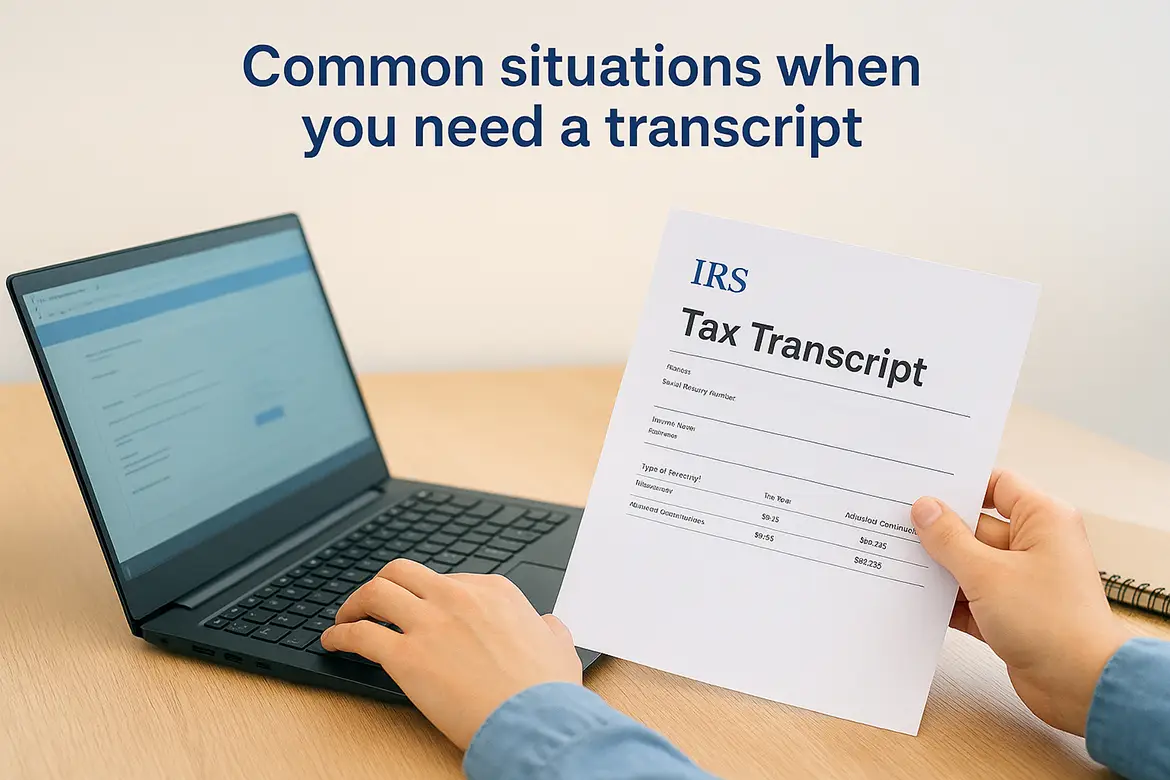
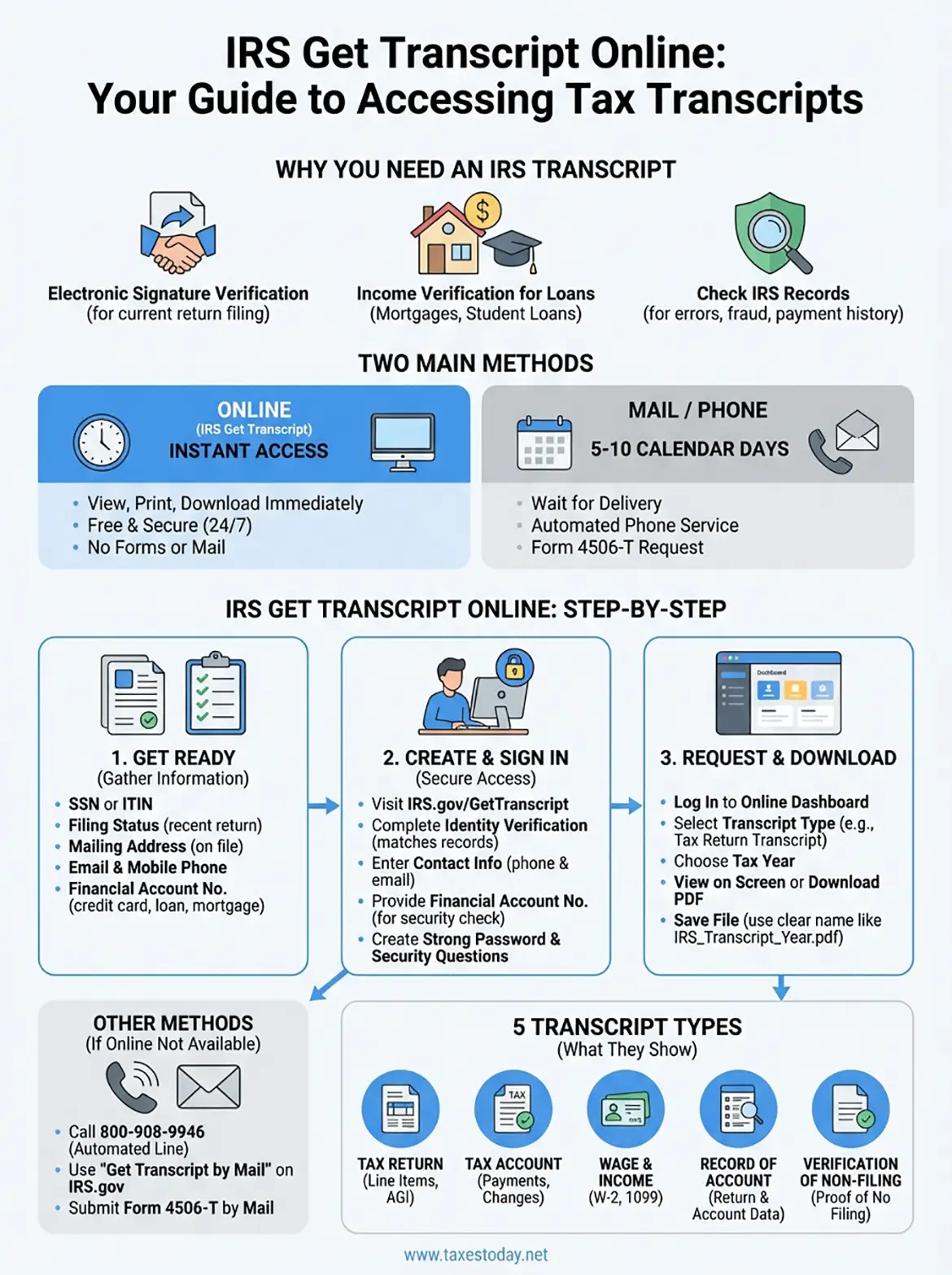
Lenders and financial institutions request transcripts for mortgage applications, student loan processing, and income verification. Government agencies use them for benefit applications. You might also need a transcript to check for identity theft or filing errors, review your payment history, or verify information before filing an amended return. The irs get transcript online tool provides instant access to five different transcript types, each showing specific tax record details based on what you need to prove or verify.
Getting your transcript online saves you from mail delays and gives you immediate access to your complete tax history.
Step 1. Get ready to use IRS Get Transcript Online
Before you access the irs get transcript online portal, gather specific documents and information. The IRS requires identity verification through their Secure Access system, which means you can't simply log in with an email and password. You need to prove who you are using personal and financial data.
What information you need
Collect these items before you start the registration process:
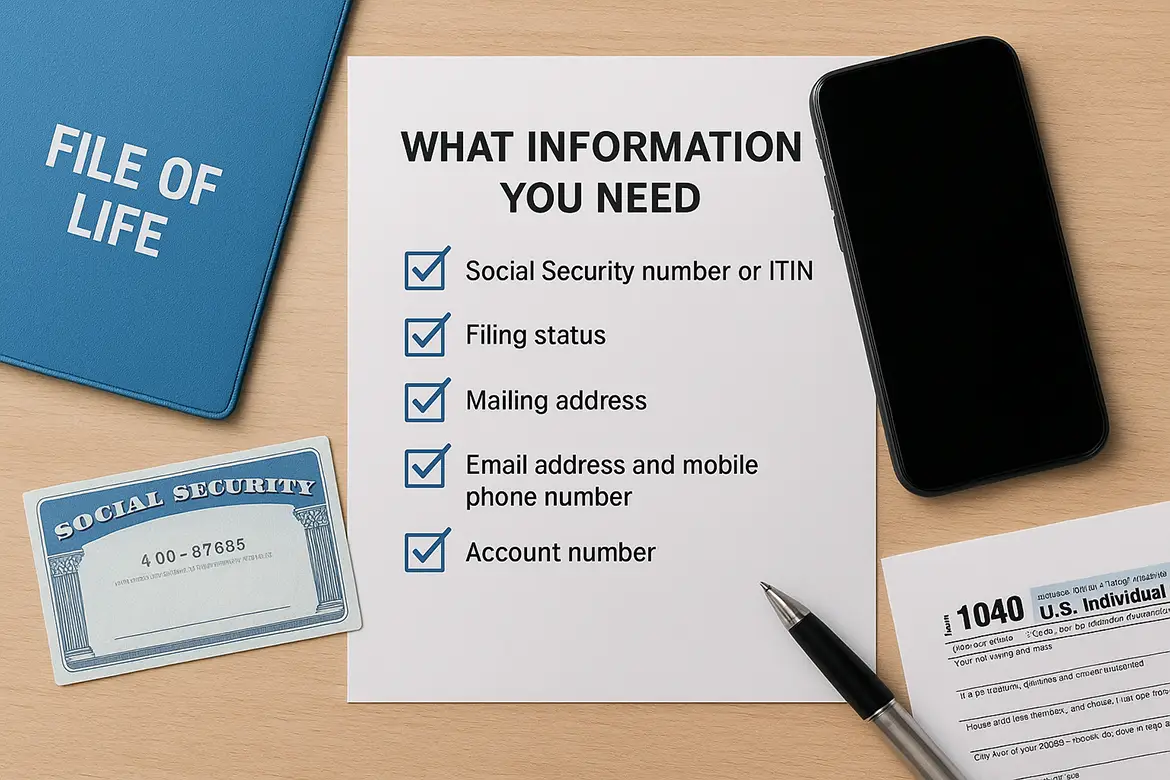
- Social Security number or Individual Taxpayer Identification Number (ITIN)
- Filing status from your most recent tax return
- Mailing address on file with the IRS
- Email address and mobile phone number for account setup
- Account number from a credit card, mortgage, home equity loan, or car loan
The IRS uses your financial account information to verify your identity. You'll need to enter digits from one active account number during registration. This security step confirms you are who you claim to be and prevents unauthorized access to your tax records.
Check your eligibility
You must meet two basic requirements. First, you need a verifiable identity through the IRS system, which requires an established credit history. Second, you need access to a mobile phone registered in your name for two-factor authentication. International phone numbers work for this verification step.
Having all required documents ready before you start prevents interruptions during the identity verification process.
Step 2. Create and sign in to your IRS online account
Visit the IRS website and navigate to the Get Transcript Online page to start the registration process. The IRS uses a secure identity verification system called Secure Access that requires you to create credentials before accessing your tax records. This one-time setup protects your sensitive financial information from unauthorized access.
Navigate to the IRS registration page
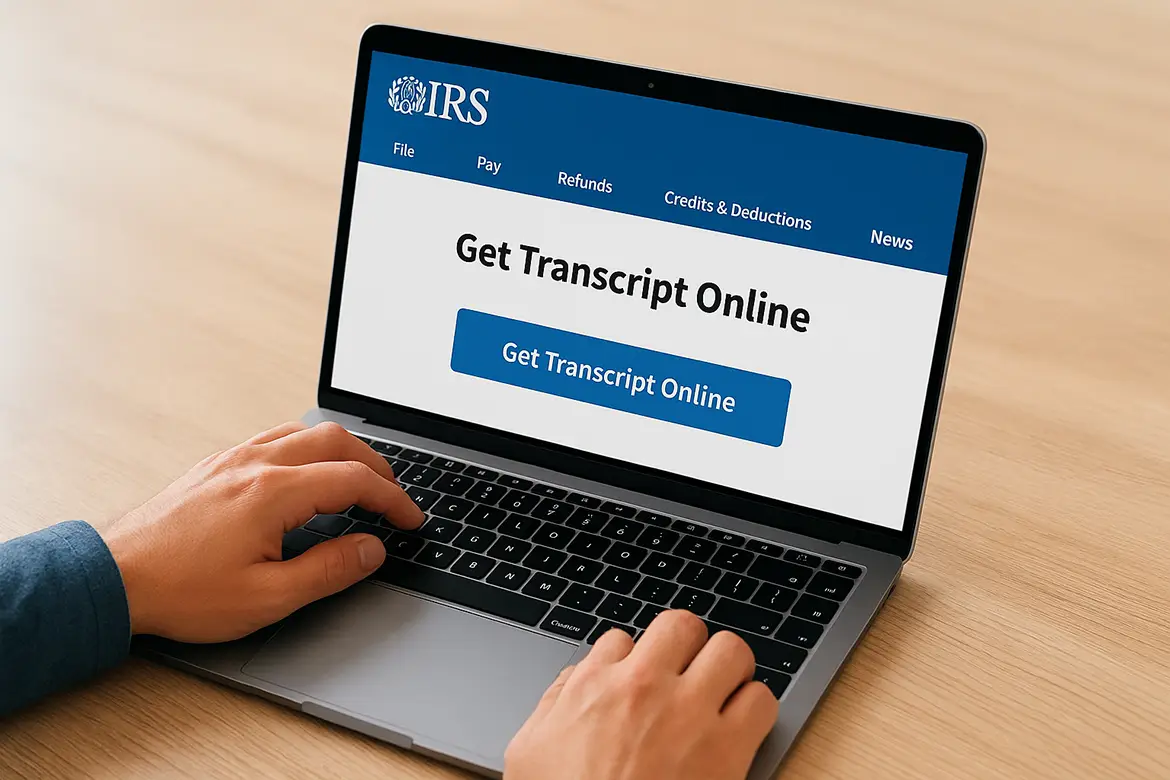
Go to IRS.gov and search for "Get Transcript Online" or go directly to the Get Transcript section. Click the "Get Transcript Online" button to begin. The system will prompt you to either sign in to an existing account or register as a new user. Select the "Register" option if this is your first time accessing the irs get transcript online portal.
Complete the identity verification process
Enter your personal information exactly as it appears on your tax return: full name, Social Security number, date of birth, filing status, and mailing address. The system matches this data against IRS records to confirm your identity. You must enter information that matches exactly, or the verification will fail.
Provide your email address and mobile phone number for account security. The IRS sends a one-time verification code to your phone via text message. Enter this code within the time limit to proceed. Next, input your financial account number from a credit card, mortgage, loan, or line of credit. The system verifies this information through credit bureaus to confirm your identity.
Create a strong password and set up security questions for account recovery. The IRS requires complex passwords with uppercase letters, lowercase letters, numbers, and special characters. After completing all verification steps, you gain immediate access to your online account and can request transcripts.
Your Secure Access account stays active and lets you access transcripts anytime without repeating the identity verification process.
Step 3. Request and download your tax transcript
After you log in to your irs get transcript online account, the system displays your online transcript dashboard. This page shows your available tax years and lets you choose which transcript type you need. The interface is straightforward, with clear buttons and dropdown menus that guide you through the selection process.
Select your transcript type
The IRS provides five different transcript types, each serving specific purposes. The Tax Return Transcript shows most line items from your original return, including adjusted gross income. The Tax Account Transcript displays payments, penalties, and account changes. The Wage and Income Transcript lists Forms W-2, 1099, and other income documents reported to the IRS. The Record of Account Transcript combines return and account information into one document. The Verification of Non-Filing Letter proves you didn't file for a specific year.
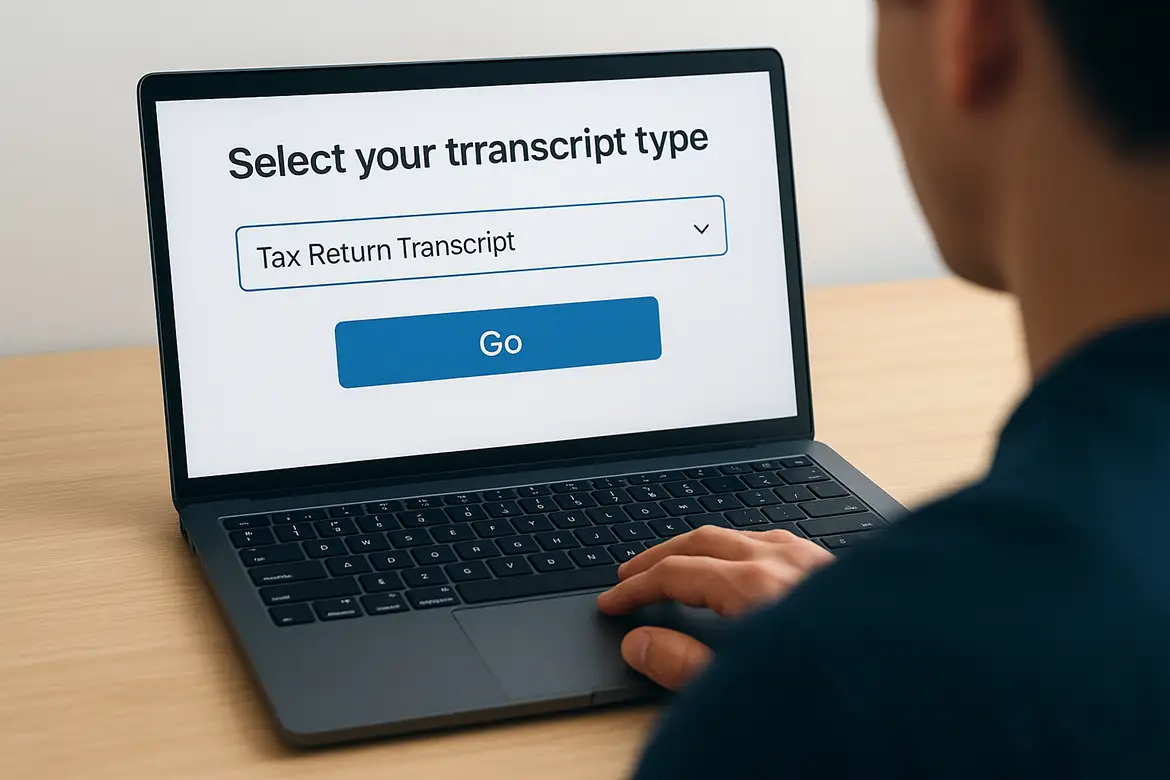
Choose the transcript type from the dropdown menu and select the tax year you need. Most situations require either a Tax Return Transcript for income verification or a Tax Account Transcript for payment history. Click the "Go" or "Continue" button to generate your transcript.
Download and save your transcript
The system displays your transcript immediately on screen in a text-based format. You can read it directly in your browser or download it as a PDF file for your records. Click the "Print/Download" button at the top of the page to save a copy. The file saves to your computer's default download folder.
Save multiple copies of your transcript to different locations in case you need to reference it again.
Name your file clearly using the format "IRS_Transcript_TaxYear_Date.pdf" so you can find it easily later. You can access the same account and download additional transcripts for different years or types without repeating the verification process.
Other ways to get your IRS tax transcript
The irs get transcript online tool works for most people, but you have backup options if you can't pass the identity verification or prefer other methods. The IRS provides three alternative ways to request transcripts: automated phone service, mail delivery, and Form 4506-T submission.
Request by mail or phone
Call the IRS automated transcript line at 800-908-9946 to order transcripts by phone. The system asks for your Social Security number, date of birth, and address on file. Your transcript arrives by mail within 5 to 10 calendar days. You can also use the Get Transcript by Mail option on the IRS website, which delivers transcripts to your address without requiring full identity verification through Secure Access.
Use Form 4506-T for formal requests
Download and complete Form 4506-T (Request for Transcript of Tax Return) when you need transcripts for multiple years or specific types. Mail the completed form to the IRS address listed in the instructions. The IRS processes most Form 4506-T requests within 10 business days and mails transcripts to the address you specify on the form.
These alternative methods take longer but work when online access isn't available.
Final steps
You now have multiple options to access your tax transcripts whenever you need them. The irs get transcript online portal gives you instant access to your records, while phone and mail methods provide backup solutions when online verification doesn't work. Your transcript contains the financial information you need for loan applications, electronic filing verification, or income documentation.
Keep your IRS online account credentials secure for future transcript requests. Save downloaded transcripts in multiple locations so you can reference them quickly when needed.
If you need help interpreting your transcript or filing your return, professional tax preparers handle complex situations and maximize deductions. Get expert tax preparation at TaxesToday.net for accurate filing and compliance support.