


IRS Direct Pay Estimated Taxes: How To Pay 1040-ES Online
If you're self-employed, a freelancer, or earn income that doesn't have taxes withheld, you likely need to make quarterly estimated tax payments. The good news? The IRS Direct Pay estimated taxes system makes this process straightforward, allowing you to pay Form 1040-ES directly from your bank account without any fees.
Missing these quarterly deadlines can result in penalties and interest charges that add up fast. That's why knowing exactly how to navigate the IRS Direct Pay portal matters. Whether you're making your first estimated payment or simply want a faster method than mailing checks, this guide walks you through each step.
At TaxesToday, we help freelancers and small business owners across California and nationwide stay compliant with their tax obligations. Below, you'll find clear instructions for using IRS Direct Pay to submit your estimated taxes, plus tips to avoid common mistakes along the way.
Before you start: due dates, limits, and alternatives
Before you log into the IRS Direct Pay system, you need to understand when your payments are due, what the system can handle, and whether other payment methods might work better for your situation. The IRS Direct Pay estimated taxes portal accepts payments up to 365 days in advance, which gives you flexibility to schedule ahead if you prefer.
2026 estimated tax payment deadlines
Your quarterly estimated tax payments follow a specific schedule that differs from traditional calendar quarters. Missing these dates can trigger penalties, so mark them clearly on your calendar:
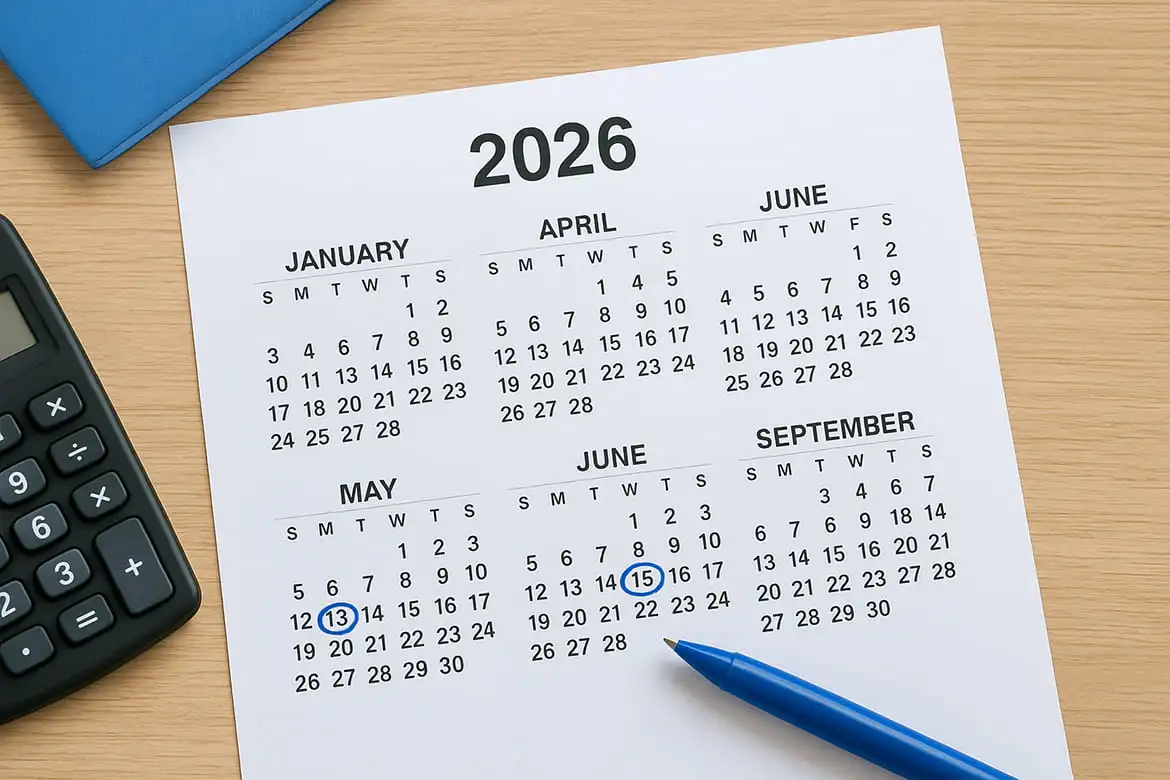
| Quarter | Tax Period | Due Date |
|---|---|---|
| Q1 2026 | Jan 1 - Mar 31 | April 15, 2026 |
| Q2 2026 | Apr 1 - May 31 | June 16, 2026 |
| Q3 2026 | Jun 1 - Aug 31 | September 15, 2026 |
| Q4 2026 | Sep 1 - Dec 31 | January 15, 2027 |
Each payment typically represents one quarter of your expected annual tax liability. If you're filing a regular annual return on time (by April 15, 2027), you can skip the fourth quarter payment entirely and just include that amount when you file.
The IRS calculates penalties based on how late your payment arrives, not just whether you eventually pay the full amount owed.
Payment limits and other options
IRS Direct Pay accepts payments up to $10 million per transaction, which covers virtually all individual taxpayers. You can make two payments per 24-hour period from the same bank account, but the system requires verification through your prior-year tax return information.
Alternative payment methods include EFTPS (Electronic Federal Tax Payment System) for those who prefer setting up recurring payments, and the IRS also accepts credit cards through approved third-party processors (though they charge convenience fees of 1.85% to 1.99%). Direct Pay remains the most straightforward option for most taxpayers because it requires no registration, no fees, and no recurring setup.
Step 1. Gather your tax return and bank details
Before you can access the IRS Direct Pay estimated taxes portal, you need to verify your identity using information from your most recent tax return (either 2024 or 2025, whichever you filed last). The system also requires your bank account details to process the payment directly from your checking or savings account.
What you need from your tax return
You'll need to provide specific details from your most recently filed return to prove your identity. The IRS Direct Pay system asks for your adjusted gross income (AGI) or your self-select PIN if you e-filed. You can find your AGI on Line 11 of Form 1040 for returns filed in 2024 or 2025.
If you used a PIN when you e-filed, that five-digit number serves as your verification method instead. Keep your Social Security number and filing status ready as well, since the system requires both during the identity verification step.
The IRS rejects payment attempts if the information you enter doesn't match their records exactly, so double-check every number before proceeding.
Bank account information required
Your bank account must be a U.S.-based checking or savings account that allows ACH debits. You need your routing number (nine digits) and your account number as they appear on your checks or bank statement.
Write these numbers down carefully before you start the payment process. The IRS processes Direct Pay transactions immediately, so entering the wrong account information means your payment goes to the wrong place or fails completely.
Step 2. Start Direct Pay and choose 1040-ES
Once you have your tax return information and bank details ready, you can access the IRS Direct Pay portal at irs.gov/payments. This secure system walks you through each step without requiring you to create an account or remember login credentials. The entire process takes about 10 to 15 minutes if you have all your information prepared in advance.
Accessing the Direct Pay portal
Navigate to the official IRS website and look for the "Pay" option in the main menu, or search for "IRS Direct Pay" using your browser. The landing page displays several payment types, but you need to click the button labeled "Make a Payment" to begin your estimated tax submission.
The system starts by asking you to select your payment type from a dropdown menu. You'll see options for various forms including 1040, 941, 940, and others. Choose "Estimated Tax (Form 1040-ES)" from this list to ensure your payment applies to the correct quarter.
Selecting your tax year and quarter
After choosing Form 1040-ES, the IRS Direct Pay estimated taxes system asks you to specify which tax year and payment quarter you're covering. Select 2026 as your tax year if you're making current-year payments, then choose the appropriate quarter (Q1, Q2, Q3, or Q4) based on today's date.
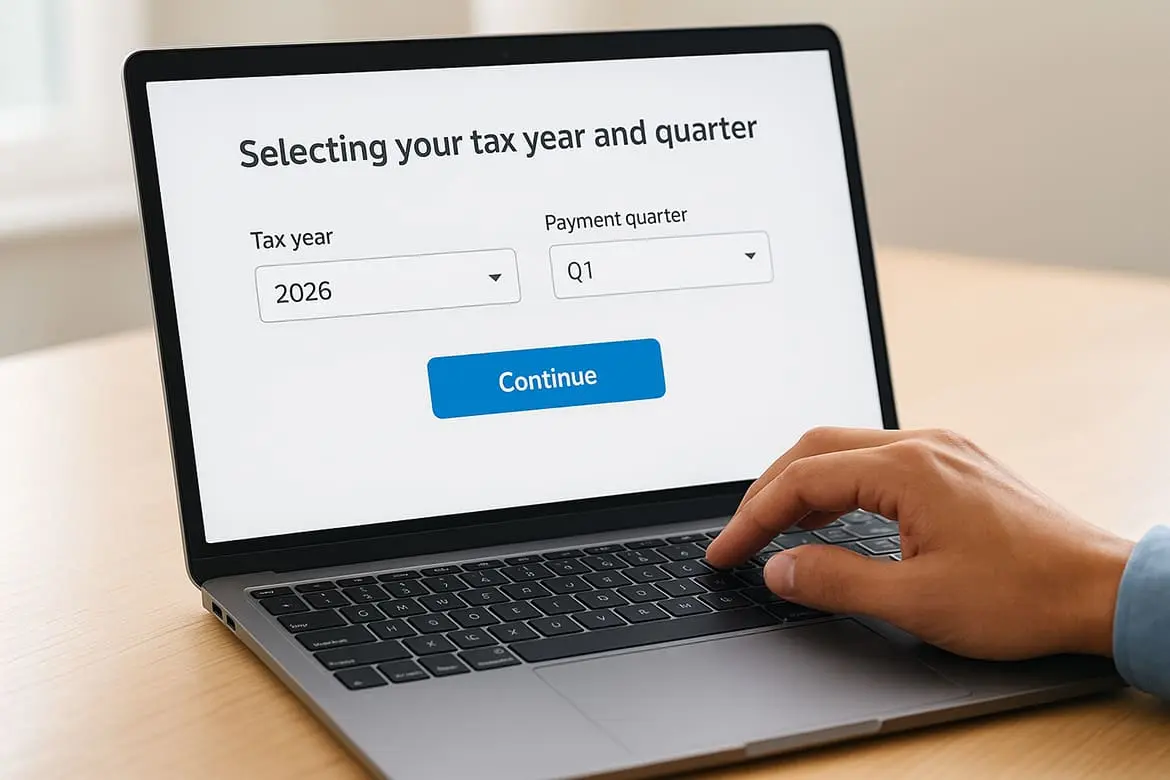
Selecting the wrong quarter sends your payment to an incorrect period, potentially triggering penalties for the quarter you actually owed.
Double-check both selections before clicking "Continue" to move forward with the payment process.
Step 3. Verify your identity and schedule payment
After selecting Form 1040-ES and your payment quarter, the IRS Direct Pay estimated taxes portal requires you to [confirm your identity](https://www.taxestoday.net/idme-irs-login.html) before processing any payment. This verification step protects your account from unauthorized transactions and ensures the IRS applies your payment to the correct taxpayer record. The system then asks you to specify your payment amount and choose when the funds should leave your bank account.
Entering your tax return information
The identity verification screen asks for your Social Security number, filing status, and either your adjusted gross income (AGI) or self-select PIN from your most recent tax return. Type these numbers exactly as they appear on your return, since even small differences cause the system to reject your information.
If the verification fails after multiple attempts, the IRS suggests calling their Payment Integrity line at 800-829-0582 rather than continuing to submit incorrect information. Most taxpayers pass this step on the first try by carefully reviewing their 2024 or 2025 Form 1040 before entering data.
The IRS blocks your access temporarily after several failed verification attempts, so accuracy matters more than speed.
Setting your payment amount and date
Once verified, you enter your payment amount in dollars and cents (for example, $2,500.00 for your quarterly estimate). The system accepts any amount you choose, though most taxpayers calculate their quarterly obligation using Form 1040-ES worksheet or their tax professional's guidance.
You can schedule the payment to process immediately or select any date up to 365 days in the future. Choose your preferred withdrawal date from the calendar picker, keeping in mind that selecting the actual due date (like April 15 for Q1) ensures your payment arrives on time without processing delays.
Step 4. Confirm, track, change, and troubleshoot
After entering your payment details, the IRS Direct Pay estimated taxes portal displays a confirmation screen showing your payment amount, withdrawal date, and bank account information. You receive a confirmation number immediately, which serves as your proof of submission. Print this screen or write down the number, since you'll need it to track or modify your payment later.
Reviewing your confirmation details
The confirmation page includes your payment reference number (typically 15 digits) and the exact date the IRS will withdraw funds from your account. This screen also shows which tax year and quarter your payment applies to, along with your last four bank account digits. Check every detail carefully before closing the browser window.
You can return to the IRS Direct Pay portal and click "Look Up a Payment" to view your transaction status using your confirmation number and bank information. The system shows whether your payment is pending, processed, or completed within 1 to 2 business days.
Making changes or cancellations
You can cancel or modify scheduled payments up until 11:59 PM Eastern Time two business days before the withdrawal date. Click "Change/Cancel Payment" on the Direct Pay homepage, then enter your confirmation number and the bank account details you originally provided.
The IRS cannot reverse or refund payments once they process, so double-check your payment date and amount during the confirmation step.
If you need to change a payment that already processed, you must wait until you file your annual return to apply the excess as a credit or request a refund through Form 1040.
Quick recap and next steps
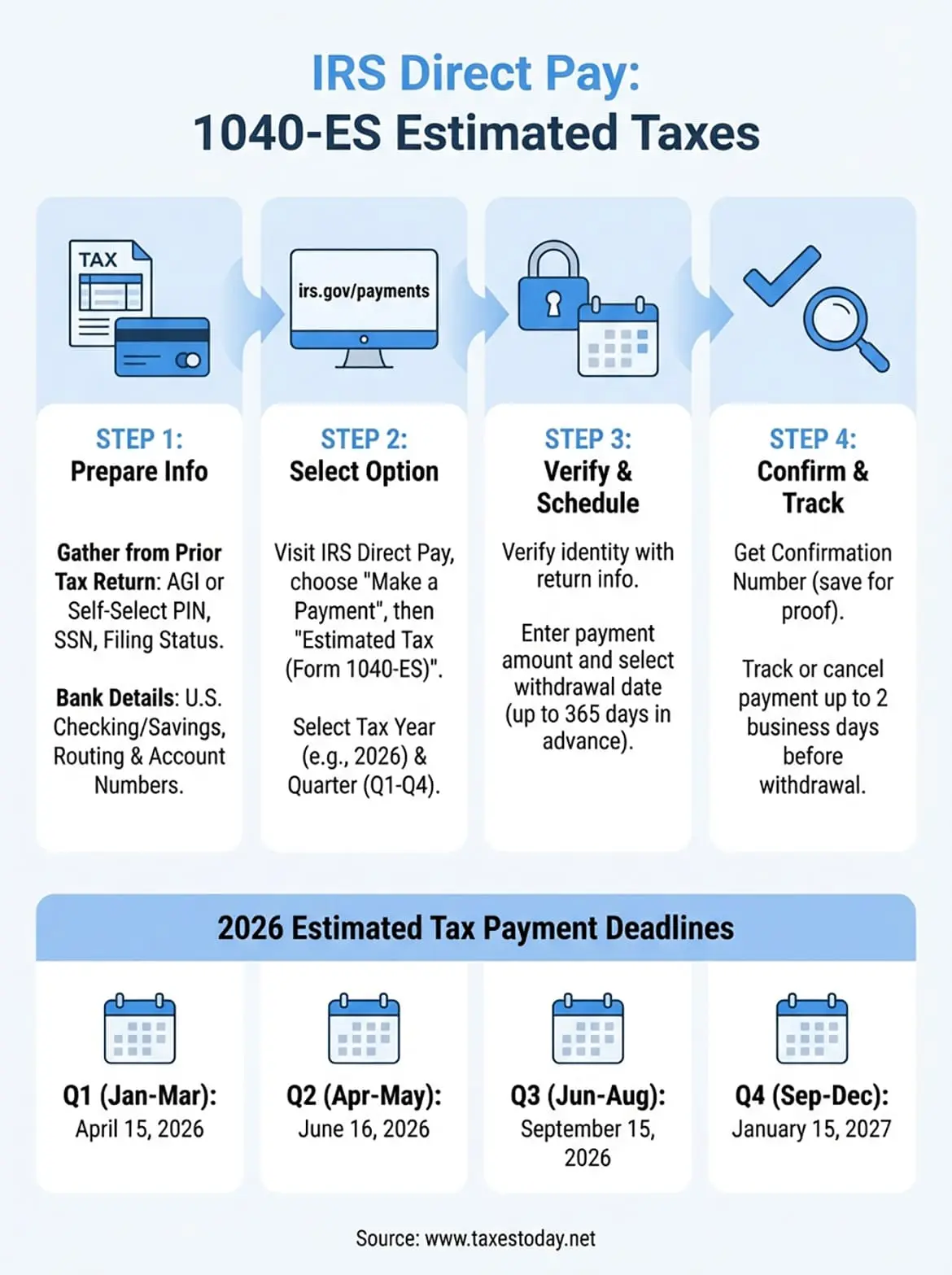
The IRS Direct Pay estimated taxes system lets you submit quarterly Form 1040-ES payments directly from your bank account without fees or registration requirements. You verify your identity using your most recent tax return information, select the correct tax quarter, then schedule your payment up to 365 days in advance. Your confirmation number serves as immediate proof of submission, and you can track or cancel scheduled payments through the portal up until two business days before the scheduled withdrawal date.
Planning your quarterly estimated payments requires accurate calculations based on your expected annual income, business deductions, and available tax credits. If you're uncertain about how much to pay each quarter or need professional help calculating your self-employment tax obligations, our experienced CTEC-certified tax professionals at TaxesToday.net can review your specific situation and ensure you stay compliant with IRS requirements throughout the year.